
By Meredith Aster Vale. Publisher: destinydrivetogether Screen Return Review.
Published: .
A phone call ends, you reopen a tab and the familiar page is still there. It is tempting to continue at once. Yet the surrounding website and the game inside it can be in different states. Returning to a browser game deserves a brief look at what has loaded, what is still moving and which controls are available.
Recognise the two screen layers
The game pages on this site contain an embedded game beneath the site navigation. The Home link belongs to the website; a sound control inside the game belongs to that game. Knowing the difference helps when a menu opens or the screen shifts. First identify which layer you are trying to use, then choose its control.
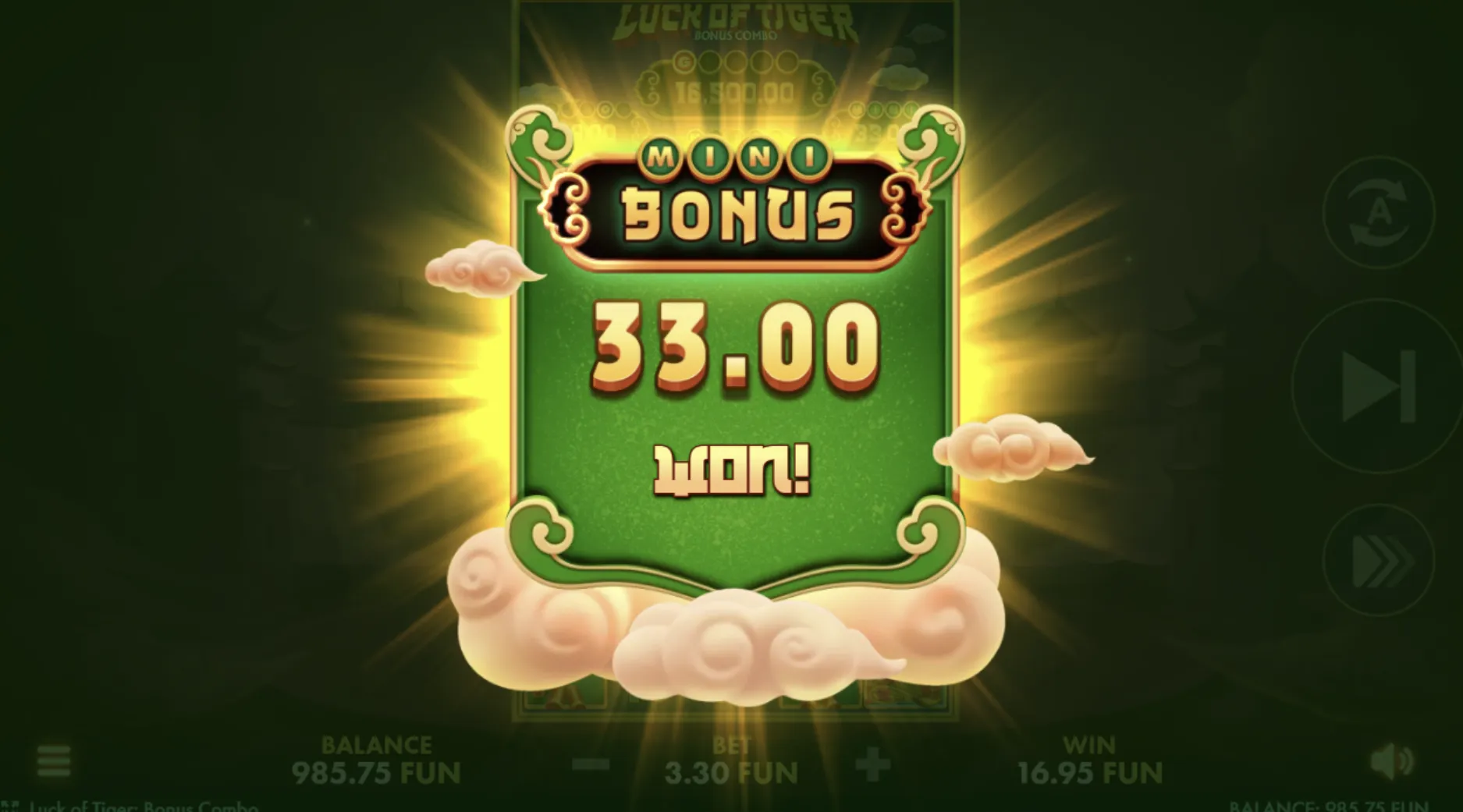
A visible header does not prove that the embedded content has finished loading. Likewise, a game logo does not confirm that the last action has settled. Give the display time to become readable. If a message appears, read it before pressing a familiar button whose purpose may have changed while the message is open.
Match the question to the display
| Question | Place to inspect |
|---|---|
| Which page is open? | The page heading and website address. |
| Which game has loaded? | The title within the embedded screen. |
| Has the action finished? | The game message and settled controls. |
A browser game may look similar after reopening without retaining the same progress. Saving depends on how that particular experience works; the supplied pages do not explain its storage rules. Do not assume that switching devices, using a private window or clearing browsing data will preserve a balance or resume an unfinished feature.
Check before another tap
- Confirm the page address and the loaded game title.
- Read any message covering the play area.
- Wait until movement or loading has finished.
- Review the balance and current setting before continuing.
On a small screen, check that a control is fully visible before using it. Turning the phone or changing browser zoom can alter where buttons appear. Make one adjustment, let the layout settle and look again. Repeated taps during movement make it harder to tell whether a control was activated or merely passed under your finger.
Keep scrolling and game actions separate. Start a page scroll in an area away from the main play control when possible. If the embedded screen occupies most of the display, use the browser’s normal navigation carefully.
Useful signs to pause
- A loading message remains over the controls.
- The displayed title differs from the one expected.
- A setting is hidden behind a menu or screen edge.
- The balance changes while an earlier animation continues.
These signs are reasons to observe, not evidence that something has been lost. The whole-round reading article explains why a final total needs context. Wait for a stable display before comparing figures, and avoid filling gaps in memory with a confident account of what must have happened.
Handle an uncertain return
If the browser game remains unclear, note the visible title and message before deciding what to do next. Reloading can restart an embedded experience, so it should not be treated as a guaranteed recovery method. Closing the tab is also a reasonable choice when you no longer want to spend time sorting out the display.
A helpful support question describes what was visible before the interruption and what is visible now. Include the device type and browser name if relevant, but omit passwords and private account information.
On September 17, 2026, this remains a practical reading routine rather than a promise about save behaviour. When friends are waiting, you can simply rejoin the conversation. The article on social gaming without a scoreboard offers ways to keep the company going without making another round compulsory.
Author’s opinion
I prefer a short pause to an automatic tap when I return to a browser game. Reading the title, message and current setting helps me decide whether I actually want to continue. If the screen remains confusing, leaving it alone is a perfectly satisfactory ending; the break does not create an obligation to resume.